

Clock in/out
Per branch, registered with time and method.
Put your people in the right place at the right time. Tindigo plans, clocks and calculates — and your AI agent does the thinking.
Plan per day and zone, see who is available and keep hours and totals up to date automatically.
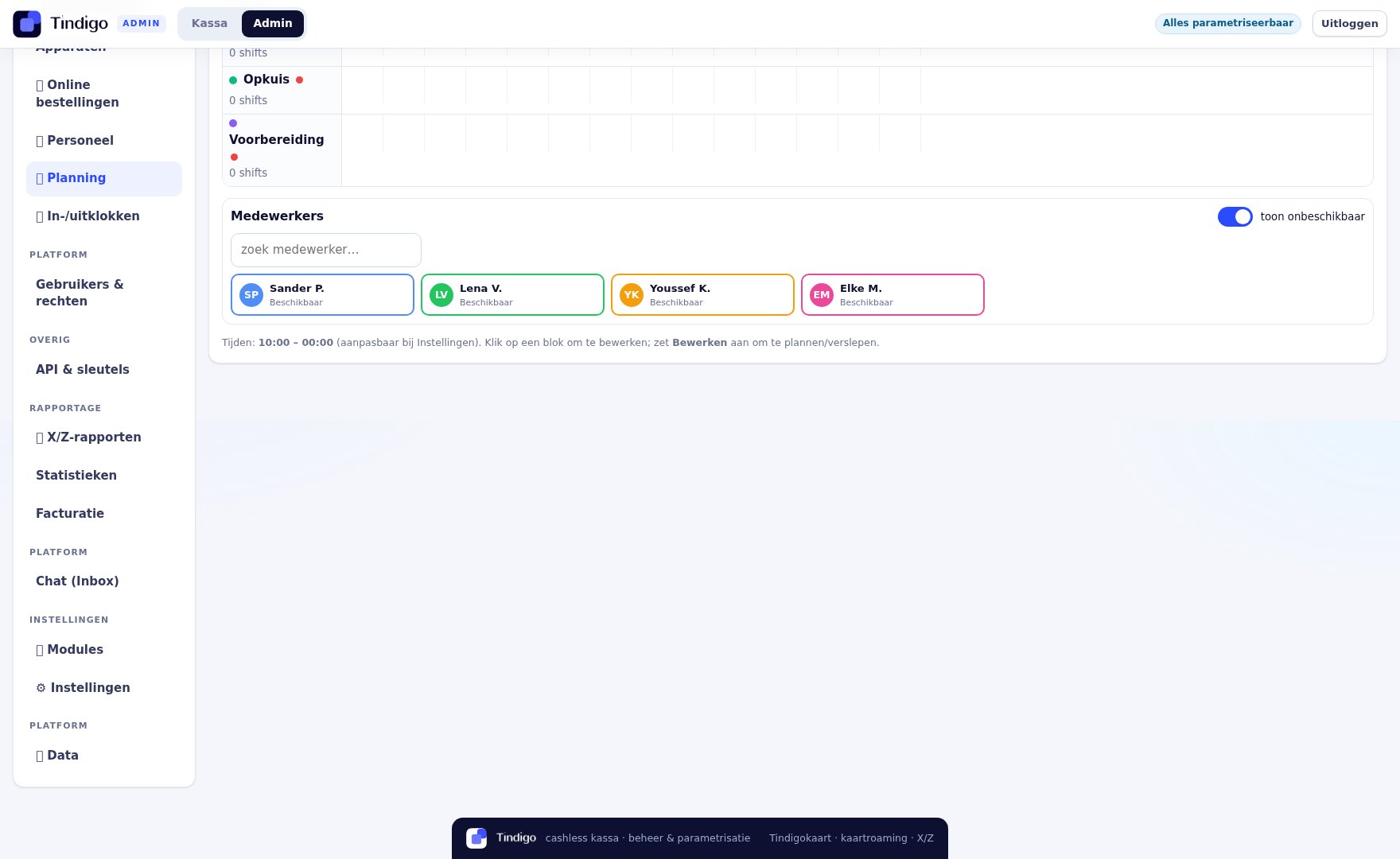
Do you want to plan and clock in? You can switch both modules on or off separately.
Your AI agent proposes shifts based on reservations, history and availability. You adjust where needed and publish in one click.
With PIN or NFC badge. That way worked time matches planned time.
Per branch, registered with time and method.
Worked hours, breaks and overtime clearly per week.
Export hours for your payroll processing.
See who performs well when — without micromanagement.
Everything around your team in one place.
Staff see their shifts, availability and payslips.
Send announcements to the whole team or to a role.
Expected busyness based on reservations and history.
We show how your hours and shifts come together — with your own team structure.
3 months free on every plan